A restaurant checklist app that grades the photo, not the tick
A checklist records that somebody said the station was clean. A photo records the station. SnapAudit grades that photo against the standard you set for it, scores it out of 100, and boxes what is out of place — so the opening check becomes something you can review after the fact.
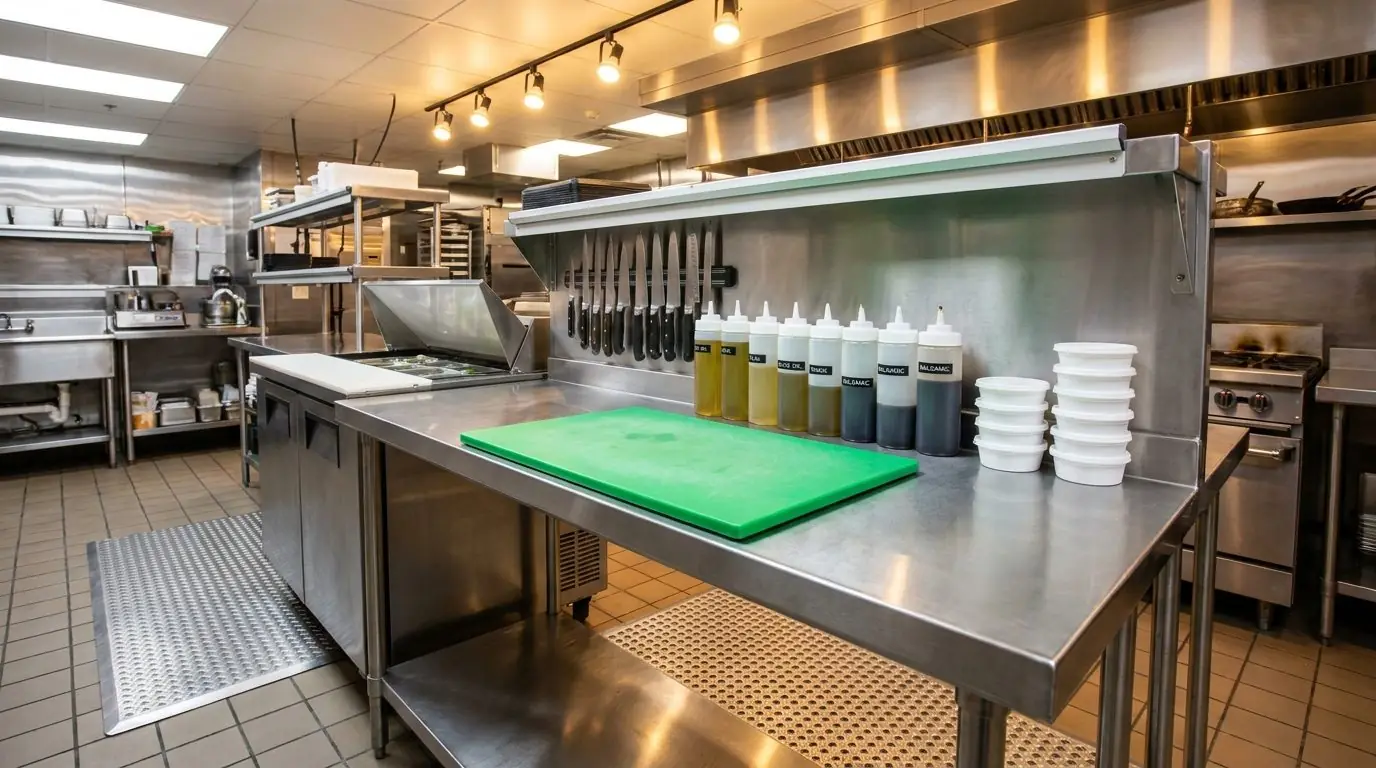
What usually goes wrong
Three failure modes we hear about repeatedly, and what changes when the check produces a graded photo.
The opening checklist gets ticked in the parking lot. Every box is green and the line still is not ready at eleven.
A tick is free; a photo is not. The station has to actually look right, and the AI says whether it does.
Standards differ by shift lead. What passes on Tuesday fails on Friday, and the team learns to read the manager rather than the standard.
One reference photo per station grades every shift the same way, so the standard stops being a personality.
Multi-site owners find out about a slipping site on the visit, weeks after it started slipping.
Failures alert immediately and the weekly digest lists the points that failed most, so the drift is visible from the first week.
Where teams point it first
Each of these is one control point: a spot you photograph once to set the standard, then re-photograph on a round.
Opening and closing checks
Prep bench, pass, fryer station, walk-in door. One photo each, graded before service rather than remembered afterwards.
Station readiness before service
Mise en place laid out to the reference, nothing left from the previous service, surfaces clear. The score tells the head chef where to look first.
Front of house and restrooms
Tables reset, condiment stations stocked, restroom checked. The same photo evidence covers what guests see, not just the kitchen.
Multi-site consistency
Each site is graded against the same references. The digest lists the points that failed most that week, with the site each one belongs to — instead of whichever site the area manager happened to visit.
How it works
Three steps, and only the first one takes any thought.
Photograph each station as it should look
Prep bench, pass, walk-in, restroom. Those photos become the standard — you do not write a checklist.
The team photographs at open and close
In the browser on the phone that is already in their pocket. About five seconds per station.
You see the result immediately
Score, boxed findings, short note. A failure pings you while the shift can still fix it; the digest shows the pattern at week's end.
A graded inspection
This is the output as the supervisor sees it — score, boxed findings, and a note written for the person who took the photo.
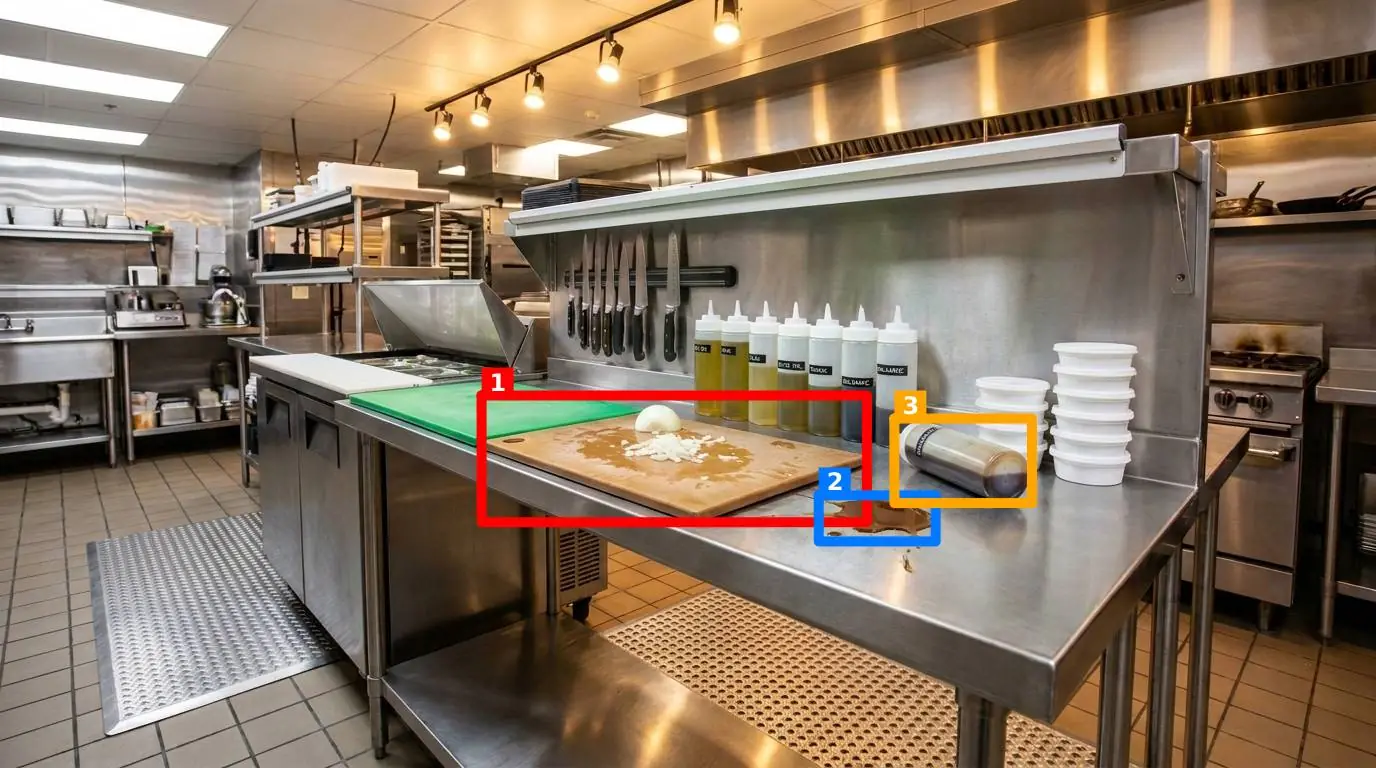
Prep station, opening check
Graded against the station reference before service
What changes
Not claims about your numbers — the mechanical consequences of grading a photo instead of ticking a box.
Evidence instead of ticks
Every check keeps a timestamped photo, so a disputed opening check is a picture rather than two accounts of the same morning.
The same standard on every shift
Grading is against the reference photo, not against whoever runs the shift, which is what makes the scores comparable.
Drift is visible in week one
Failures alert immediately and the weekly digest lists the points that failed most, so a slipping site does not wait for the next visit.
Other industries
The mechanics are the same everywhere: a reference photo, a photo from the floor, and a graded difference.
Manufacturing
5S audits on the shop floor, graded from a photo of the workstation.
Read more →Retail
Store standards, shelf presentation and back-of-house, graded from a photo.
Read more →Facilities & housekeeping
Cleaning and housekeeping inspections, graded from the cleaner's own photo.
Read more →Try it on your own kitchen tonight
150 free inspections over 14 days. No credit card, nothing to install.
Start free